
AI UGC video generator
An AI UGC video generator turns a product photo into a video ad with a creator-style look: a generated person presents, wears or uses your product. With UGCjoscos, you first create a scene, check it, then animate it into a 6 to 30 second video for TikTok, Reels or Shorts.
Create my first video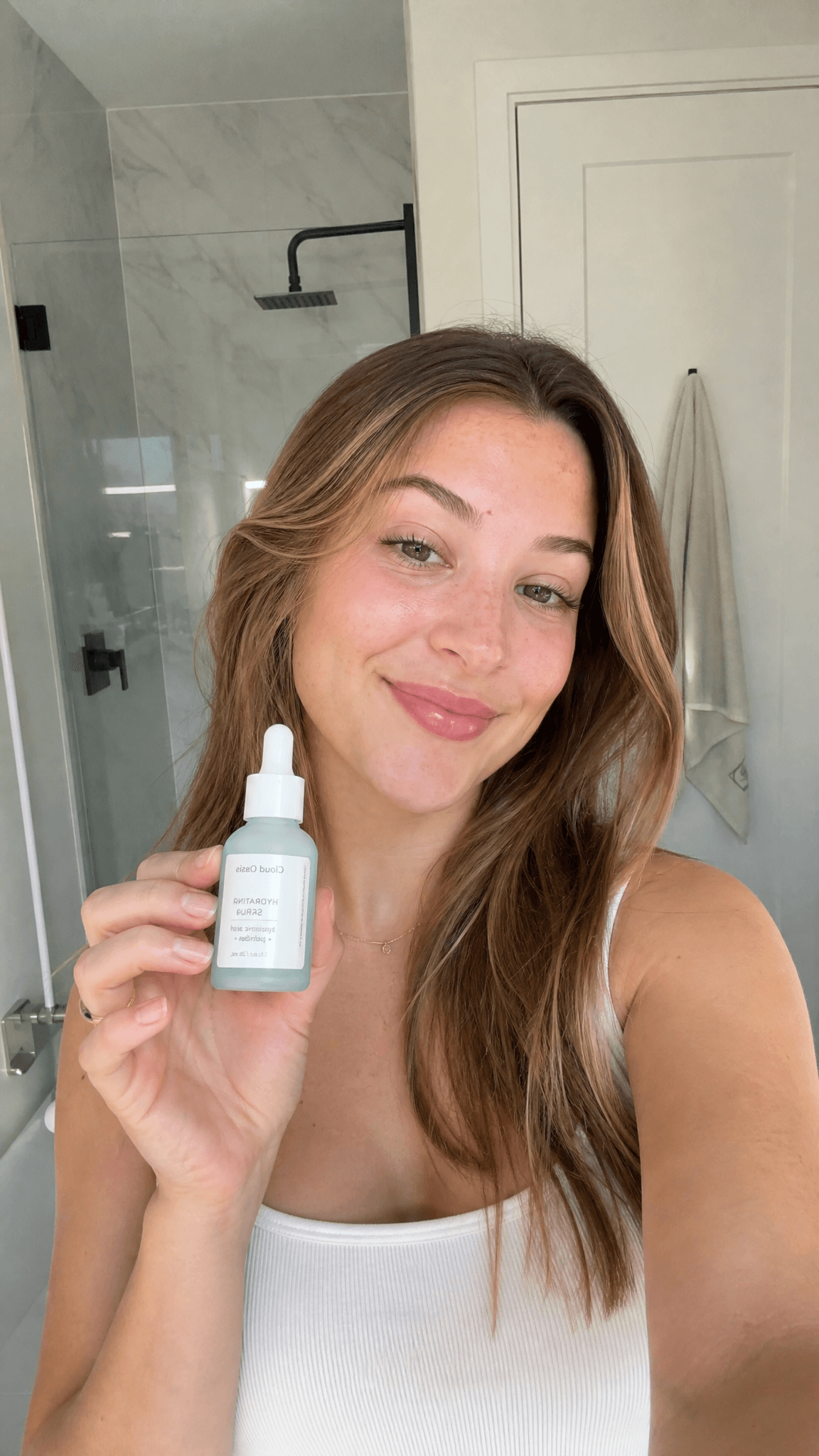
What is an AI-generated UGC video?
UGC stands for “user-generated content”: videos filmed the way a customer would film them, face to camera, in an everyday setting. The format builds trust and blends naturally into TikTok and Instagram feeds.
An AI UGC video reproduces these visual codes without a shoot. The scene and the person are generated by artificial intelligence from your product photos. It is not a real customer testimonial: it is illustrative advertising content, and it should be presented as such.
How to create an AI UGC video in 3 steps
- 01
Upload a product photo
A clear packshot in JPEG, PNG or WebP. The clearer the photo, the more faithful the product will be in the scene.
- 02
Generate and check the scene
Choose the staging (held, worn, in use, unboxing) and the 1K, 2K or 4K resolution. You review the image before going further.
- 03
Animate the scene into a video
Describe the movement, choose the duration (6 to 30 s), the resolution (480p or 720p) and the format, then download the video.
Why separate the scene and the video?
Generating in two steps avoids spending video credits on a scene you do not like. A scene costs a few credits; you can try several, keep the best one, and then animate it.
What you can produce
Vertical 9:16 ads for TikTok Ads, Instagram Reels and YouTube Shorts
Square 1:1 and portrait 2:3 formats for Instagram and Facebook feeds
Landscape 16:9 and 3:2 videos for YouTube or a product page
Several variations of one product to test your ad hooks
Good practices before you publish
Check the logo, the text and the product details: AI can introduce variations
Disclose that content is AI-generated when the platform or the law requires it
Test several scenes and short durations before producing at volume
Frequently asked questions
Do I need a subscription to generate UGC videos?
No. UGCjoscos works with credit packs, paid once. 100 credits are offered at sign-up, with no credit card required.
How long can a generated video be?
You choose a duration from 6 to 30 seconds. The credit cost depends on the duration, the resolution and the number of images used; it is shown before generation.
Are the people in the videos real?
No. The scenes and the people are generated by AI. They are not real customer testimonials.